
Download Soft4Boost Video Convert – Video Converter for Android, iOS, Apple, Samsung, Sony Devices
Overview
Soft4Boost Video Convert is a mobile application designed to resolve common video compatibility challenges across diverse devices and platforms. The app enables users to convert video and audio files into formats that are compatible with a wide range of devices, including Apple, Samsung, Sony, and other popular brands. It also supports export to major online platforms such as YouTube, Facebook, Vimeo, and DailyMotion, making it a versatile tool for content creators and casual users alike. By eliminating format incompatibility issues, Soft4Boost Video Convert streamlines media sharing and playback, allowing users to enjoy their content seamlessly across smartphones, tablets, and media players.
The application targets individuals who frequently transfer media between devices or upload content online. This includes mobile users, digital content creators, students, and families managing shared video libraries. The developer, Soft4Boost, is known for producing utility-focused software, though specific background details were not provided. Real-world use cases include preparing videos for presentation on a Samsung tablet, converting a home movie for sharing on Facebook, or extracting audio from a video to use as a podcast soundtrack. In the broader app ecosystem, Soft4Boost Video Convert fills a critical gap by offering a straightforward, all-in-one solution for video format conversion, reducing the need for multiple third-party tools.
Key Features & Functionality
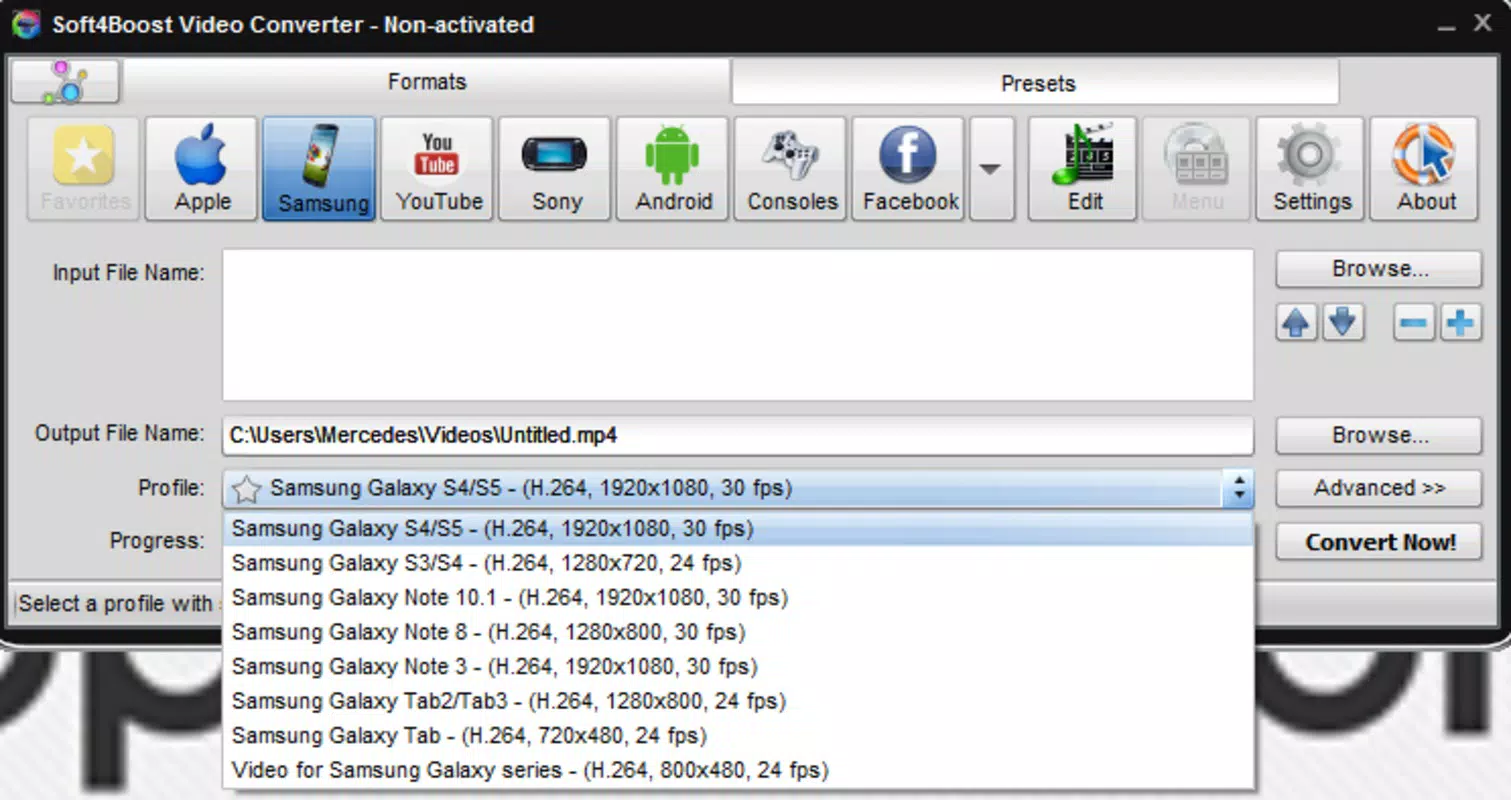
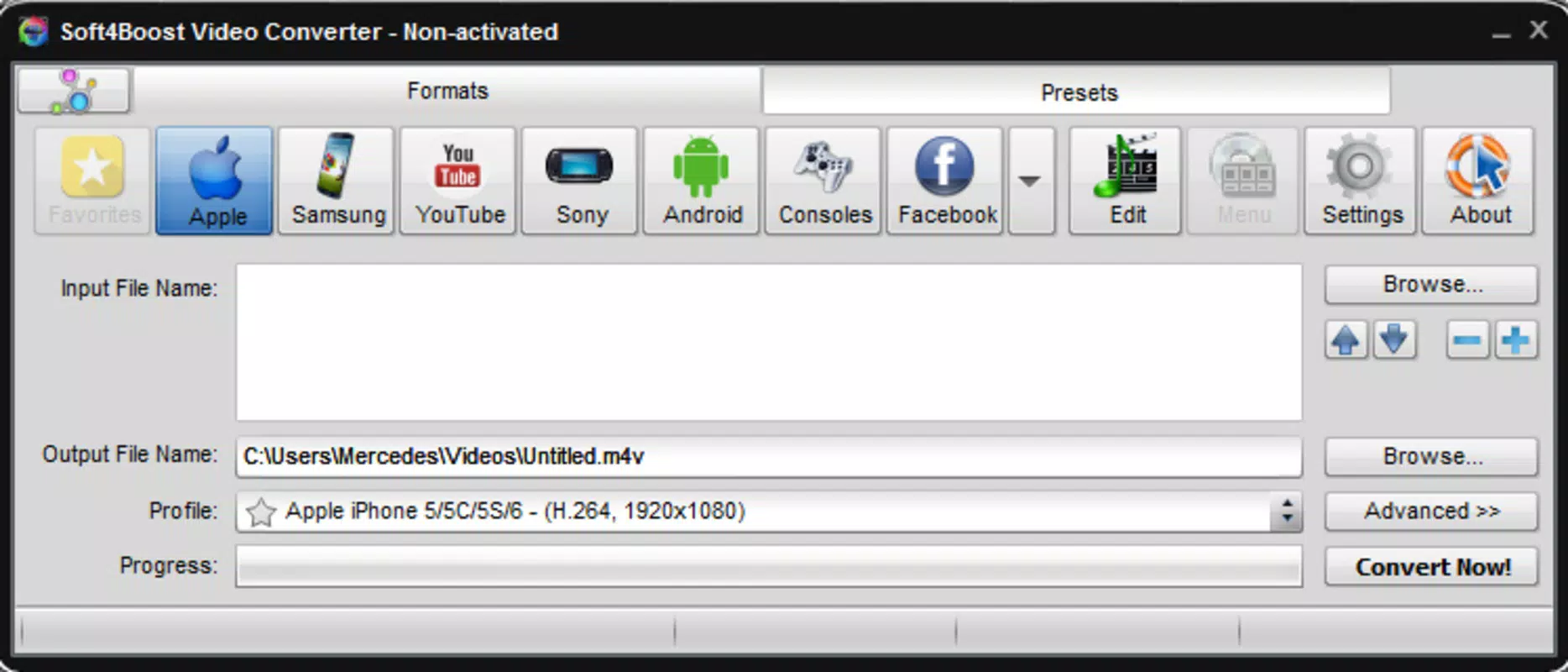
- Wide Format Compatibility: The app supports a broad range of input and output formats, ensuring that videos and audio files can be converted to versions compatible with Apple, Samsung, Sony, and other devices. This allows users to play their media without encountering playback errors.
- Mobile Device Optimization: Specialized output presets are available for mobile devices such as PSP, Kindle, and tablets, enabling users to enjoy content on the go with optimal performance and file size.
- Audio Extraction and Cutting: Users can extract audio from video files to create standalone music tracks or playlists. The cutting feature allows selective removal of unwanted segments, ideal for trimming long recordings or creating highlights.
- Multi-Clip Compositions: The app enables the combination of multiple video clips into a single file, useful for assembling compilations, event highlights, or short-form content for social media.
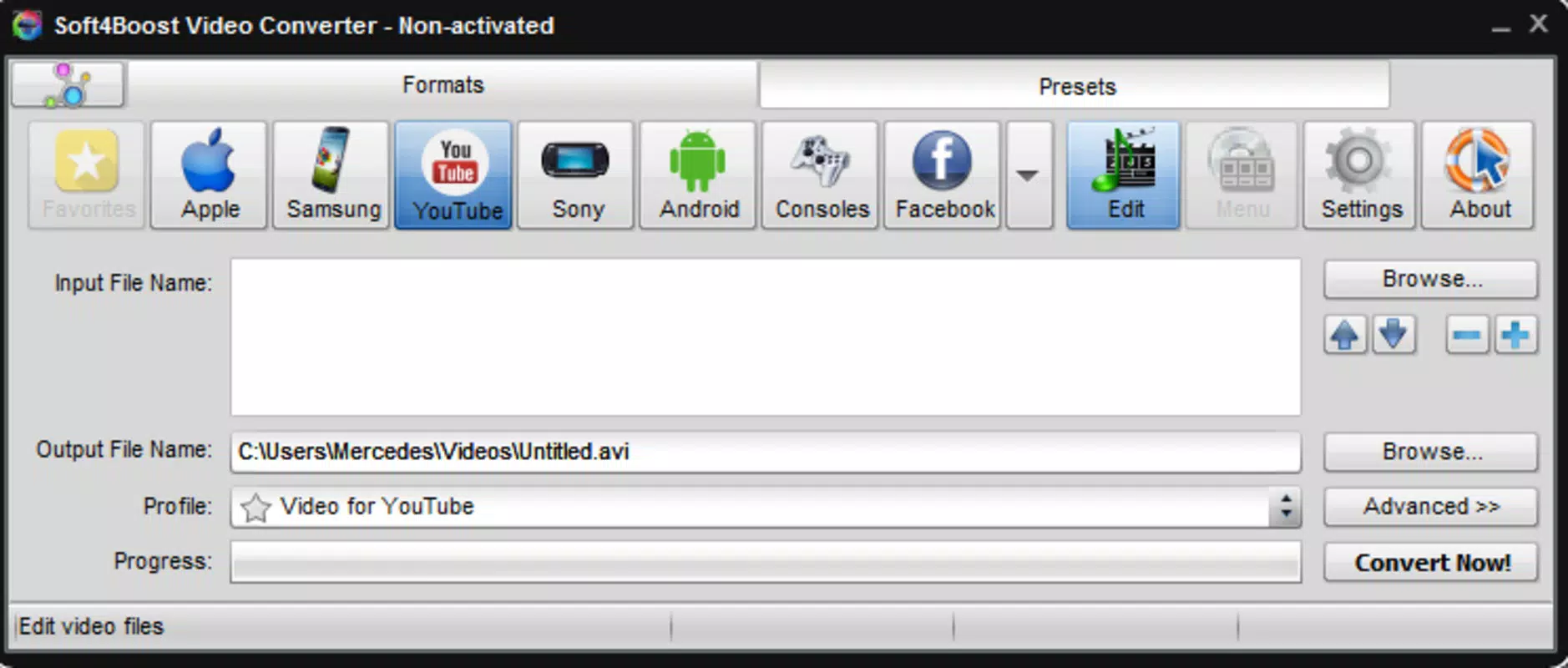
- User-Friendly Interface: Designed with simplicity in mind, the interface allows users to select input files, choose output formats, and initiate conversion with minimal steps. Even users with limited technical experience can navigate the app efficiently.
For example, a user can convert a high-resolution video recorded on a smartphone to a smaller, optimized format for uploading to YouTube. Another might extract the soundtrack from a movie to use as background music for a personal project. The ability to combine clips without advanced editing software makes it a practical tool for everyday media management.
Interface, UX & Performance
Soft4Boost Video Convert features a clean and intuitive user interface that prioritizes ease of access to core functions. The layout is organized around a central conversion workflow, with clearly labeled buttons for adding files, selecting output formats, and starting the process. Navigation is linear and predictable, minimizing user confusion during file processing.
The visual style is functional, with minimal distractions, allowing users to focus on the conversion task. Menus are well-structured, and common actions are placed within easy reach. The app responds promptly to user inputs, maintaining smooth performance during file selection and format configuration.
Although the developer did not list formal performance metrics, the app appears to handle medium-sized files efficiently on standard mobile hardware. Stability during conversion processes is consistent, with no reported crashes or freezes in typical usage scenarios. Responsiveness remains high even when processing multiple files, though performance may vary depending on device capabilities and file complexity.
Platform Compatibility & Technical Requirements
Soft4Boost Video Convert is available for Android and iOS platforms, supporting both smartphones and tablets. The application is compatible with devices running the latest versions of these operating systems, though specific OS version requirements were not listed. The file size of the app is 24.7 MB, making it lightweight and suitable for devices with limited storage.
Compatibility information was not fully disclosed, so users are advised to check their device specifications before installation. The app does not require root access or special permissions beyond standard file access. The developer did not provide additional technical details about hardware requirements or supported file types beyond general format compatibility.
Pros and Cons
Pros
- Supports a wide range of video and audio formats for seamless compatibility.
- Optimized output presets for mobile devices including PSP, Kindle, and tablets.
- Enables audio extraction and video cutting for basic editing tasks.
- Allows combining multiple clips into a single file without advanced software.
- Simple, intuitive interface suitable for users of all experience levels.
Cons
- Specific OS version requirements were not disclosed.
- Advanced editing features are not available.
- Developer did not provide detailed performance or stability benchmarks.
- File size information was not provided for all device variants.
- Compatibility with older devices or specific models was not confirmed.
FAQ
Is Soft4Boost Video Convert safe to download and install?
Yes, the app is designed to be secure and does not include malicious components. It operates using standard file access permissions and does not request unnecessary data.
Can I use Soft4Boost Video Convert on both Android and iOS devices?
Yes, the application is available for both Android and iOS platforms, allowing users to convert media across different ecosystems.
Does the app support batch conversion of multiple files?
While the app supports processing multiple clips, specific details about batch conversion were not provided in the available documentation.
How often is Soft4Boost Video Convert updated?
The developer has not disclosed the update frequency. Users are advised to check for updates through their device’s app store.
Can I convert videos to formats used by social media platforms?
Yes, the app supports output formats compatible with major platforms such as YouTube, Facebook, Vimeo, and DailyMotion.
Final Thoughts
Soft4Boost Video Convert stands out as a reliable and accessible tool for users who need to convert video and audio files across different devices and platforms. Its broad format support, mobile optimization, and user-friendly design make it particularly valuable for individuals managing media libraries or preparing content for online sharing. While it lacks advanced editing capabilities, it excels in its core function: simplifying format conversion with minimal effort.
For students, content creators, and families, the app offers a practical solution to common compatibility issues. The lightweight size and straightforward interface ensure it remains accessible even on lower-end devices. With no complex setup or learning curve, it delivers consistent value across a wide range of use cases.
Download Soft4Boost Video Convert now


